Inside the Android app
The supported sign-in path. Open the app, enter the registered mobile number, authenticate with OTP. Stable on Android 8 and newer.
PlayerzPot uses in-app login across Android, iOS and the mobile web. There is no public web form for password sign-in; access lives inside the app the team supports.
Open the PlayerzPot app you downloaded from the official source (Android APK or iOS App Store). On the home screen, tap Sign in, enter the mobile number registered at signup, and authenticate with the OTP. The OTP arrives in seconds. The same flow works on the mobile web entry point that the app surfaces inside the sign-in screen.
This article covers the everyday login path, password reset, OTP troubleshooting, browser limitations, and how to switch devices without losing your KYC progress.
The supported sign-in path. Open the app, enter the registered mobile number, authenticate with OTP. Stable on Android 8 and newer.
Same OTP flow. iPad and iPhone users sign in from the same entry point. iOS 14 and newer recommended.
The mobile web entry point lives inside the app — open the app, tap help, then choose the mobile web URL. The web view does not show a public password field.
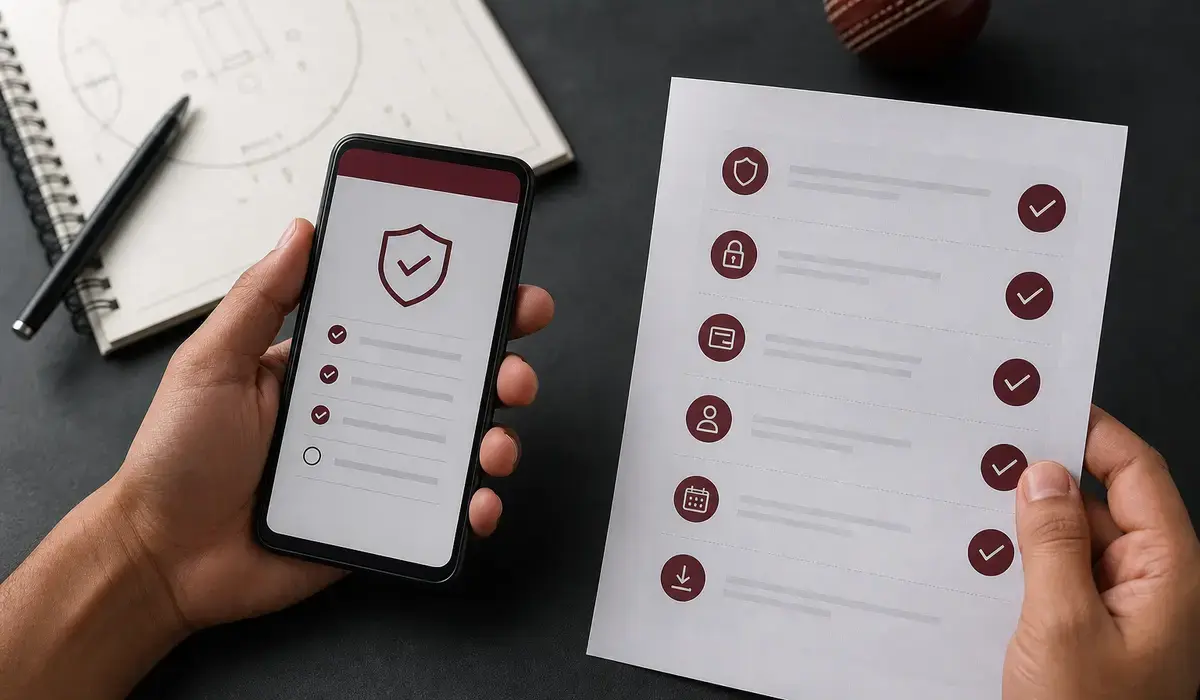
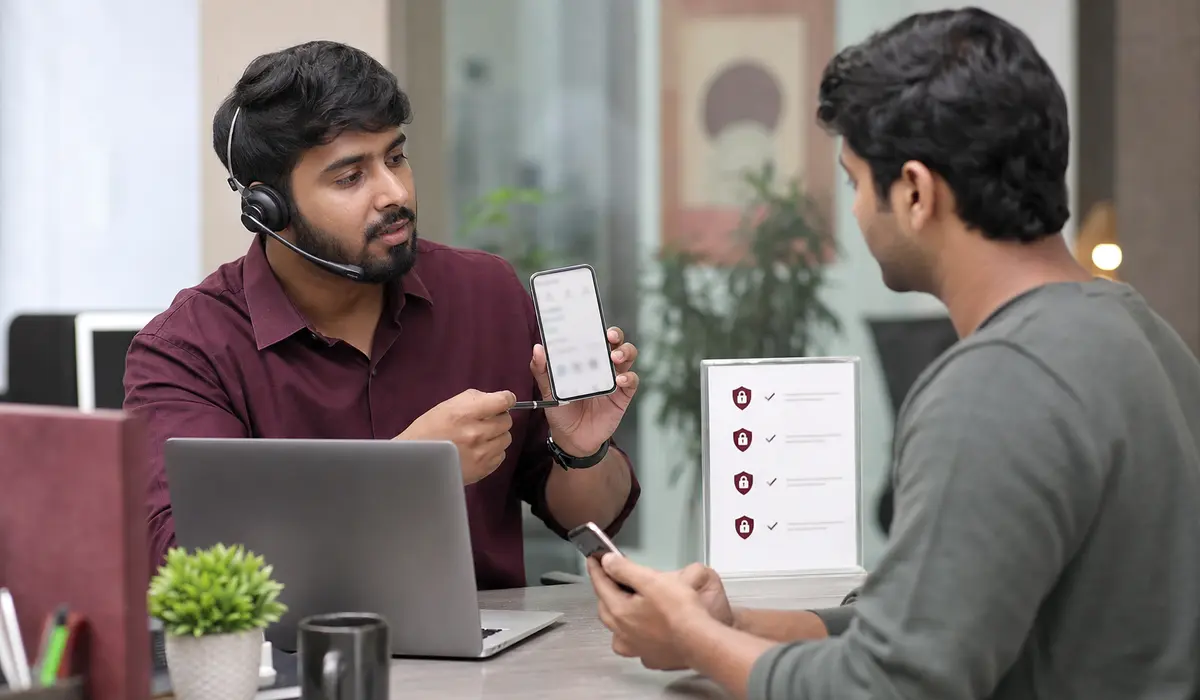
PlayerzPot's sign-in is OTP-first, so most account-recovery scenarios start with the mobile number on file. If you can't receive the OTP, three checks cover 90% of cases.
If those three don't resolve it, the issue is account-side. Open the app's help section and raise a ticket with the registered email, last four digits of the PAN used for KYC, and the mobile number. The support team reviews identity and re-sends the OTP after verification.
PlayerzPot's web surface is a companion to the app, not a standalone product. The web entry point exists to load match data, contest rules, and editorial hubs, but account-level actions (sign-in, withdrawals, KYC updates) live inside the app. This keeps sensitive flows on a device that has been KYC-verified once and reduces phishing risk on unverified browsers.
If a page or social post asks you to enter your PlayerzPot password on a non-app surface, treat it as suspicious. Verify the URL matches the one shown in your app before typing.
PlayerzPot publishes the exact web URL inside the app's sign-in screen. Don't trust a login link sent by a third party.
Yes — install the app on a second device, sign in with OTP, and pick up your wallet and team history. There is no device cap inside the published rules.
The sign-in screen temporarily locks for fifteen minutes to slow automated attempts. If you can't get back in after that, raise a ticket via the in-app help section.
Open the PlayerzPot app and authenticate with the mobile number on file. First time here — see /download/ for the app install path.
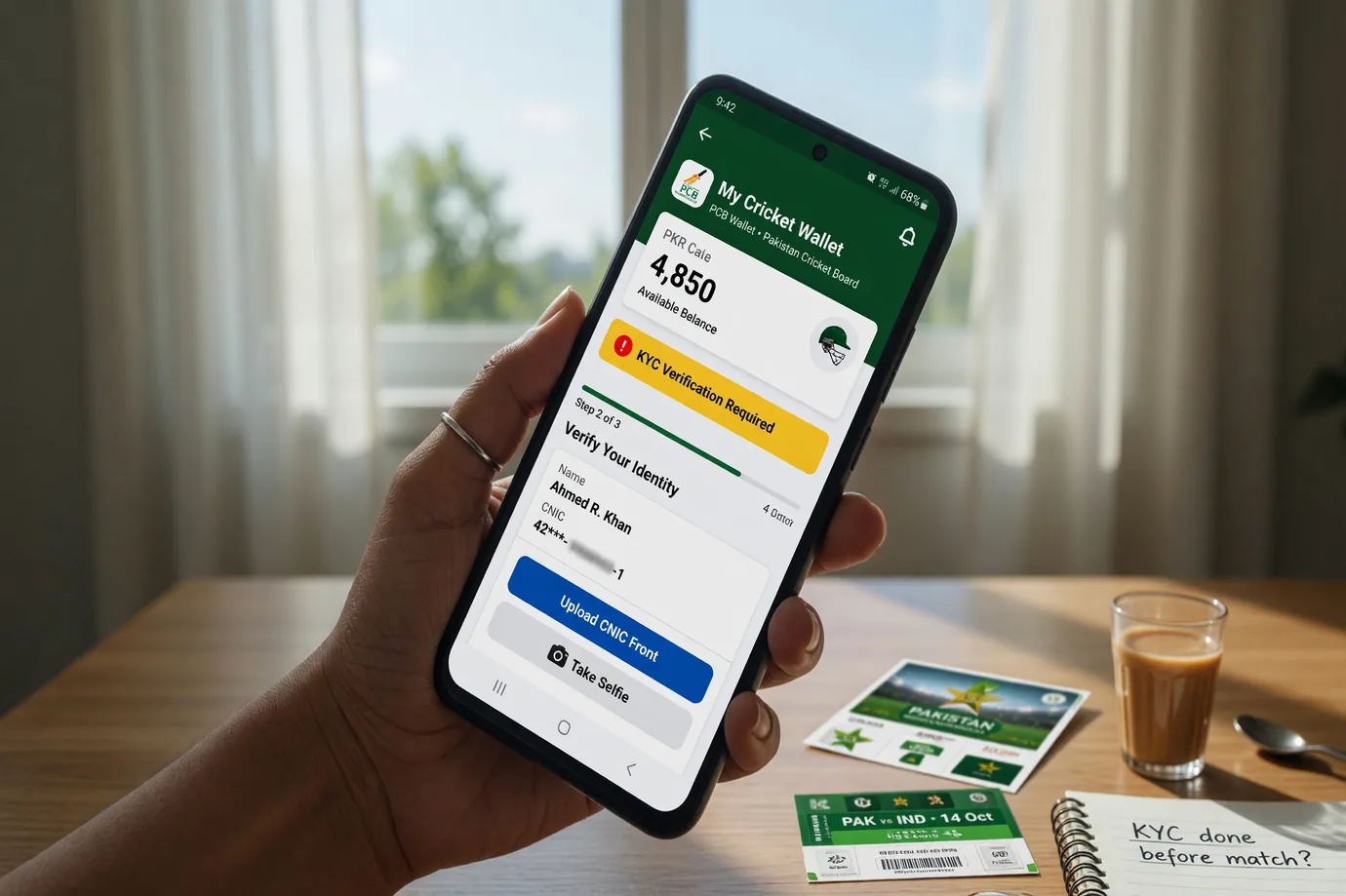
Account verification on PlayerzPot runs through the same KYC pipeline used for withdrawals. Once a user enters a phone number and confirms the OTP, the app prompts for identity documents — PAN and Aadhaar (or equivalent). The verification is automatic for most accounts; edge cases go through manual review, which can take longer.
The wallet and KYC page walks through the documents accepted, the threshold for withdrawals, and the typical processing window. The desk treats the published processing window as the right reference, not invented numbers. Verification matters because it unlocks the contest pool. Until verification completes, paid contests stay locked behind a banner inside the app. Free-to-enter practice ladders and points-reference browsing work without verification.
PlayerzPot supports multiple devices on a single account, but not multiple simultaneous sessions. Logging in on a second device signs the first session out automatically. This is standard behaviour for skill-game apps — it prevents concurrent contest play and protects the integrity of the leaderboard.
For shared family devices, the standard advice is to sign out from the profile menu before passing the device along. The next user creates their own account under their own phone number. Cross-device sessions are useful when you switch between a phone and a tablet — log out on one, log in on the other, and your squad history follows.
Use a phone number you control long-term. PlayerzPot uses OTP for login, so if you change phones or carriers, the OTP still routes to the registered number — but only if that number stays with you. Prepaid numbers that get recycled after long inactivity are a common source of access loss.
Don't share your login session. The app attaches the registered phone and KYC to your account. Sharing the login with a friend means your account is on the hook for their contest entries — and vice versa. Verify the official website before login. The official-website page walks through the safe-access route and the warning signs for phishing.
If the OTP doesn't arrive, wait out the resend timer and tap again. Network issues and carrier throttling can delay the first send. After two failed sends, restart the app and check that your registered phone number is correct. If the app crashes during login, reinstall from the download page or the APK link. The latest version fixes known bugs and ships updated security patches.
For persistent issues, the in-app Help menu is the canonical support route. The customer-care page walks through the support channels. Always include your registered phone number and your PlayerzPot user ID (visible in the profile menu) when you open a ticket.
OTP delivery is the cornerstone of the PlayerzPot login flow. The OTP arrives by SMS for phone-based logins and by email for email-based logins. Delivery speed depends on your carrier and email provider — neither of which PlayerzPot controls directly.
If the OTP doesn't arrive within sixty seconds, the resend timer in the app kicks in. Tap "Resend OTP" once the timer expires. Three resends in quick succession can trigger a carrier-level rate limit — wait five minutes between resends if you hit the limit.
For email-based logins, check the spam folder if the OTP email doesn't appear in your inbox. Email providers sometimes filter transactional mail as spam, especially on first login. Mark the email as "not spam" once it lands so future OTPs route to the inbox.
Network issues can also delay OTP delivery. If you're on a weak cellular signal, the SMS may take longer to arrive. Switch to Wi-Fi for the email route, or wait for a stronger signal for the SMS route.
The login flow includes a "Voice OTP" fallback for some users — the OTP is read aloud by an automated call instead of sent via SMS. This is helpful when SMS delivery is throttled. The option appears on the login screen when carrier throttling is detected.
PlayerzPot's login flow uses OTP, which is more secure than a saved password — but only if you keep your phone secure. A stolen, unlocked phone is the most common attack vector. Use a strong device PIN, biometric unlock, or both.
Don't reuse your PlayerzPot phone number on services you don't trust. The phone number is the recovery vector for the account; if a third party can receive an SMS to your number, they can request an OTP and log in.
For users who travel frequently, the international carrier roaming can affect OTP delivery. PlayerzPot supports international numbers for some regions — verify the current list inside the app's Help menu before relying on it.
If you ever suspect your account has been compromised, change your phone number via the in-app Help menu and open a security ticket. PlayerzPot's support team can freeze the account pending investigation.