18+ · Fantasy cricket is a skill-based game. State restrictions apply in Assam, Odisha, Telangana, Andhra Pradesh, Tamil Nadu, and Sikkim. Play responsibly.
Customer Care

PlayerzPot customer care — support channels published in-app.

The support channels listed below are those published inside the PlayerzPot app at the time of writing. Verify any contact detail against the current app.

In-app help

The Help / Support menu inside the PlayerzPot app is the canonical route for live support tickets. Tap the profile icon, choose Help, and pick the topic that matches your question — login, KYC, withdrawal, contest rules, or app behaviour.

The in-app help system attaches your account context to the ticket, which shortens the support back-and-forth compared with a generic email route.

FAQ section inside the app

The PlayerzPot app carries an FAQ section that covers login, KYC, withdrawal, contest rules, and app behaviour. For most common questions, the FAQ section is faster than a support ticket. The FAQ is updated as new issues surface.

Email support

An email support route is published inside the app at the time of writing. The exact address is kept current on this page so the desk never publishes a stale address. Email is the right channel for verification documents and account-specific escalations.

When you email, include your registered phone number, your PlayerzPot user ID (visible in the app's profile menu), and a clear description of the issue. Screenshots help.

Response times

Response times vary with the topic and the ticket volume. Standard questions get a reply within one business day. Verification and KYC issues can take longer because they require manual identity checks. The current published response-time window is inside the app's Help menu.

For a quicker resolution, attach your account context: user ID, registered phone, and the contest or transaction ID relevant to the ticket.

Customer Care FAQs

How do I contact PlayerzPot support?

The Help menu inside the app is the canonical route. Email support is also published in-app.

What is the PlayerzPot helpline number?

The desk doesn't publish a helpline number we can't verify. Use the in-app Help menu.

How long does a support ticket take?

Standard tickets: within one business day. KYC and verification: longer.

Can I email a PlayerzPot support address?

Yes. The current address is published inside the app and on this page.

Support escalation path

For most issues, the in-app Help menu is enough. Tickets created inside the app carry account context, which speeds up the resolution. The FAQ section inside the app resolves the most common issues without a ticket.

For complex issues — KYC edge cases, payment disputes, account recovery — the ticket escalates inside PlayerzPot's support team. Escalation timelines are published inside the app.

Identity verification for support

When you open a support ticket, the agent will ask for identity verification. The verification protects your account — it stops someone else from impersonating you and changing your account details.

Verification typically involves confirming your registered phone number, your registered email, and the last four digits of your linked bank account or UPI ID. The exact verification steps are listed inside the app's Help menu.

When to escalate outside the app

For consumer-protection complaints, the public-facing route is the National Consumer Helpline (1915) or the consumer forum. State-level cyber cells handle phishing and identity-theft reports. CERT-In is the national reporting channel for cybersecurity incidents.

The desk publishes these routes for reference; PlayerzPot's in-app Help menu remains the canonical support route for the platform itself.

Response quality & language

PlayerzPot publishes English-language support by default. The interface follows the device's language setting — Hindi is supported via the Noto Sans Devanagari stack the app uses.

For regional-language support, the Help menu lists the supported languages. Outside those languages, English is the working language of the support team.

Get Started

Open the in-app Help menu for live support.

The Help menu attaches your account context. Compare Options opens the editorial review.

In-app Help menu walkthrough

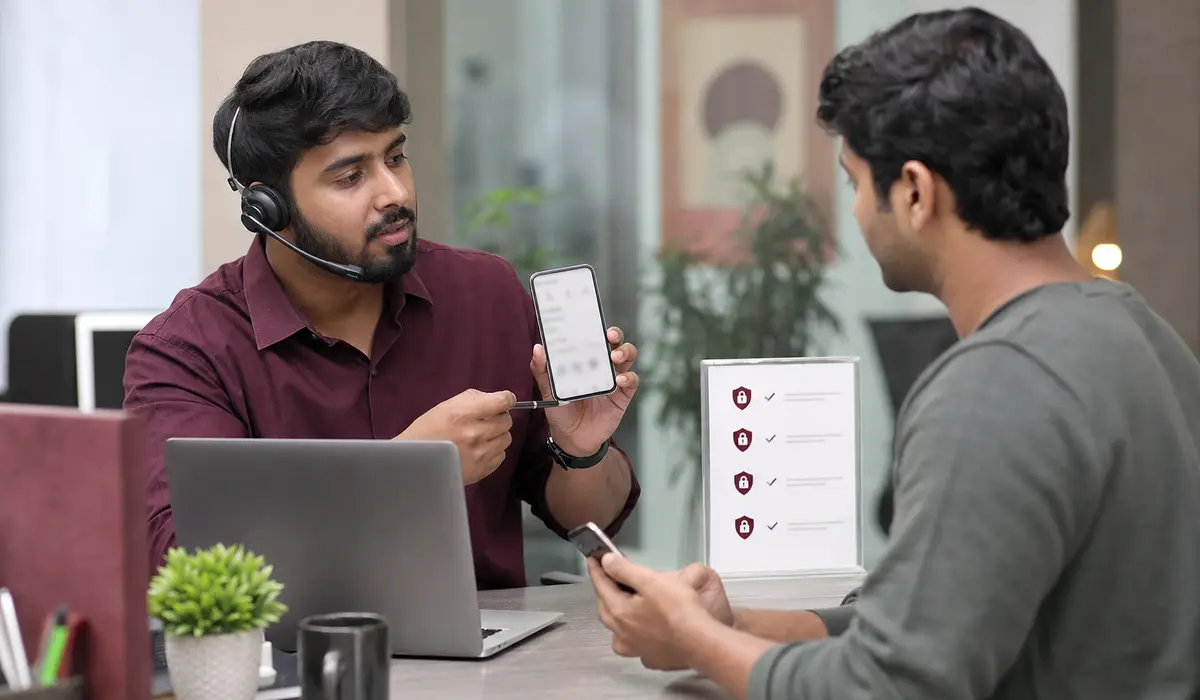
The in-app Help menu is the canonical support route. Tap the profile icon, then Help. The Help menu surfaces the most common topics — login, KYC, withdrawal, contest rules, app behaviour — each with a brief explanation and a ticket-creation flow.

For users who can't find the right topic, the Help menu also includes a search bar. Search for keywords like "withdrawal" or "KYC" to surface relevant articles. Articles often resolve the question without a ticket.

For users who still need a ticket, the Help menu's "Contact us" button opens a form pre-filled with your account context. The form lets you describe the issue, attach screenshots, and submit. The response time depends on the topic and the ticket volume.

When the in-app Help isn't enough

For issues that the in-app Help menu can't resolve — repeated crashes, payment disputes, account recovery — the email support route is the next step. The current email address is published on the customer-care page.

When you email, include your registered phone number, your PlayerzPot user ID (visible in the profile menu), and a clear description of the issue. Screenshots help. The more context you provide, the faster the support team can resolve the ticket.

For consumer-protection complaints that the support team can't resolve, the public-facing route is the National Consumer Helpline (1915) or the consumer forum. The desk publishes these routes for reference.

PLAY NOW