Build an XI
Pick 11 players within a 100-credit salary cap. Choose a captain (2×) and vice-captain (1.5×). Lock in 15 minutes before toss.
PlayerzPot ships an Android APK and an iOS app. The app carries sign-in, contest entry, KYC, and withdrawals. Read what the app does, what devices it supports, and where to grab the install file.
The PlayerzPot app is where every account-level action happens: sign in with OTP, build an XI, pick captain and vice-captain, lock in a contest, complete KYC, and withdraw winnings. Editorial pages (this site) complement the app but never replace it.

Pick 11 players within a 100-credit salary cap. Choose a captain (2×) and vice-captain (1.5×). Lock in 15 minutes before toss.
Enter practice contests at ₹1 entry, head-to-head contests, or larger prize pools. Each contest has its own rules visible before entry.
Live scorecard syncs points per ball. Captain gets 2× points, vice-captain 1.5×.
Verify PAN inside the app, link a bank account, withdraw winnings to the verified account.
Toss alerts, captain lock-in reminders, contest result notifications.
Match previews and captain analysis linked from the news section of the app.


Android. PlayerzPot supports Android 8 and newer (Oreo, 2017+). The APK is around 35–45 MB and installs without Google Play. Most 2019-or-newer Android phones run it cleanly. RAM ≤2 GB may see lag during live scoring with high contest counts.
iOS. iOS 14 and newer, iPhone 8 or newer. iPad mini and iPad Air work but are not the primary form factor. iPad Pro is overkill but supported.
Mobile web. A read-only companion surface for editorial hubs. Account-level actions (sign-in, contests, withdrawals) live in the app.
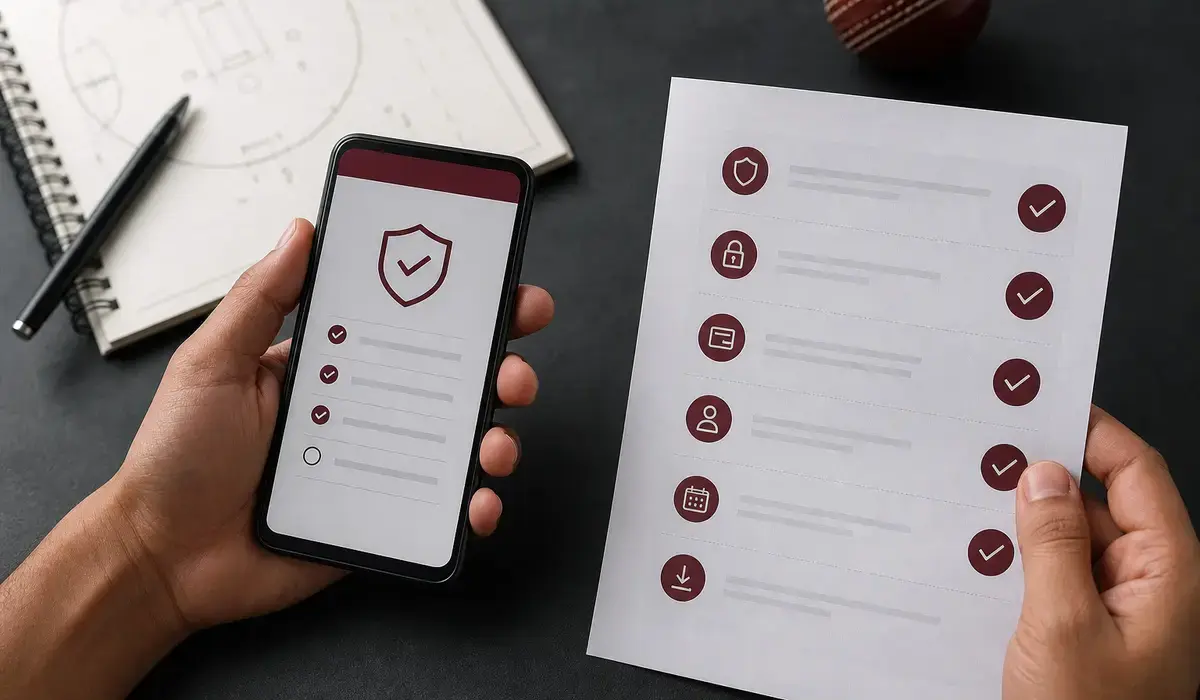
For Android, the APK is the official install path. Visit /apk-download/ for the latest version, signature, and SHA-256 fingerprint. Verify the source before installing — never trust an APK link sent by a third party.
For iOS, the install path goes through the Apple App Store. Search for the official app inside the App Store; the publisher name on the listing should match what's printed on the official-website page.
No. PlayerzPot is free to install on both platforms. Contest entry is paid; reading editorial and browsing match data is free.
Yes. Sign in on a second device with OTP and your wallet + XI history syncs. There is no device cap inside the published rules.
Accessible from the app footer and on the official website. It explains what data the app collects and how it's stored.
Head to /download/ for the install path and supported devices, or /apk-download/ for the Android APK fingerprint.
PlayerzPot's app architecture keeps the contest pool separate from editorial content. The contest pool is the live, real-time part of the app — fixtures, scoring, leaderboards, withdrawals. Editorial content is read-only and doesn't affect contest play.
The app caches a small amount of fixture data so the contests list appears quickly even on a slow network. Live scoring pulls from the central service; the cache refreshes whenever a new event lands. This separation means editorial improvements don't risk the live contest pool, and contest-side changes don't break the editorial surface.
PlayerzPot ships frequent updates. Critical security patches ship faster than feature updates; the app prompts you when an update is available. Auto-update can be enabled in the device settings. Update cadence is published inside the app's settings menu.
For the APK route, the latest version is on the APK download page. Verify the SHA-256 of the file before installing. Mismatched hashes mean the file was tampered with — do not install. The version number is also surfaced in the app's settings so you can confirm your install is current.
PlayerzPot is a lightweight app — the Android install is roughly 30–40 MB plus a small additional download for the contest data. iOS ships a similar footprint. The permissions list is the minimum needed: Internet, Phone (read state), Storage, and Notifications (opt-in).
The permissions screen on first launch explains each permission. You can revoke optional permissions later through the device settings — the app will adapt, but some features (notifications for fixture reminders, for example) will stop working.
For crashes or unexpected behaviour, the standard recovery is to update to the latest version. If the issue persists, clear the app cache from the device settings — this wipes the local cache but preserves the account. As a last resort, reinstall the app from the download page.
The customer-care page lists the support channels for issues that the in-app Help menu can't resolve. Always include your PlayerzPot user ID and the device model when reporting an app-side bug — the support team uses that context to reproduce.
PlayerzPot's app is optimised for entry-level Android devices. The contest list loads in under a second on a Snapdragon 4xx-class device with 2 GB of RAM. Live scoring updates are throttled to balance freshness with battery life — the throttling is invisible to the user.
For users on older Android devices (Android 7 or below), the app's APK may not install. The minimum Android version is 8.0 (Oreo). Devices below 8.0 can still browse the editorial site but cannot run the contest pool.
iOS performance is consistent across supported devices. The app uses Metal rendering for the squad-build UI, which is GPU-accelerated on every supported iPhone and iPad. Older iPads (pre-iOS 14) cannot run the current app.
PlayerzPot's notification system covers contest lock reminders, fixture start alerts, and leaderboard updates. Notifications are opt-in — the app prompts for notification permission on first launch, and you can revoke the permission at any time.
For users who enable notifications, the lock reminder fires 30 minutes before contest close — enough time to revise your squad. The fixture start alert fires at the toss, which is when playing-XI announcements become official.
The notification cadence is configurable inside the app's settings menu. You can mute all notifications, mute only contest reminders, or keep the full default cadence. The notification settings reset when you sign out.